Saudi Arabia eVisa Online Form Guide
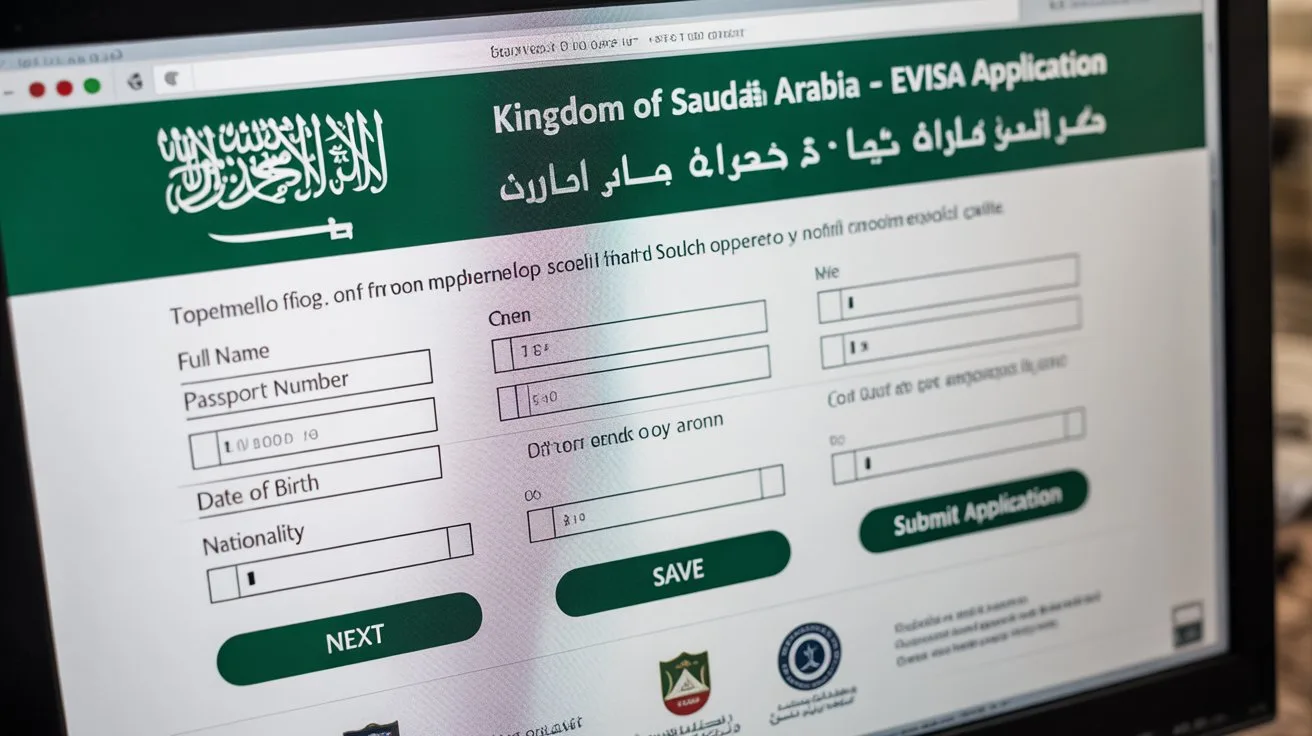
Staring at a government application form—especially for a country with strict entry laws like Saudi Arabia—can be intimidating. A confusing question about "Religion," a rejected photo upload, or an unclear insurance section can instantly make you worry that your dream trip to AlUla or your spiritual journey to Mecca is in jeopardy.
However, the modern Saudi eVisa portal is surprisingly user-friendly compared to the complex paperwork of the past. With a clear roadmap of exactly what each field asks for, you can navigate the system confidently and complete the entire process in under 15 minutes.
In this guide, we walk you through the application screen-by-screen, explaining how to handle the mandatory medical insurance selection, the exact photo specifications to avoid rejection, and which "Purpose of Visit" you should select to ensure your Umrah pilgrimage is authorized.
Prerequisites: What to Have Ready
Do not start the application until you have these files saved on your desktop or phone. The system allows a limited time to complete the form before logging you out.
-
Passport Scan: A clear, color copy of the bio-data page (the page with your photo).
-
Digital Photo: A recent photo with a white background. (Format: JPG/JPEG).
-
Travel Details: Your estimated arrival date and the name of your first hotel.
-
Payment Method: A valid Credit or Debit card (Visa, Mastercard, UnionPay).
Step 1: Account Creation (The OTP)
To begin, you typically need to create a temporary account on the official portal (visa.visitsaudi.com or ksavisa.sa).
-
Registration: Enter your email address. The system will email you a 4-digit One-Time Password (OTP) to verify your identity.
-
Passport Type: Always select "Ordinary Passport" (unless you are a diplomat traveling on state business).
-
Nationality: Select the country that issued your passport (e.g., if you live in Dubai but hold a UK passport, select "United Kingdom").
Step 2: Personal Information (Zero Errors)
This section must match your passport exactly.
-
English Name: Enter your First, Middle (if applicable), and Last name exactly as they appear in the Machine Readable Zone (the bottom two lines) of your passport.
-
Arabic Name: This field is usually auto-filled or optional for non-Arabic speakers. If you do not have an Arabic name, leave it blank.
-
Marital Status: This is a required field (Single, Married, Divorced).
-
Gender: Must match the gender listed on your passport.
Step 3: Photo Upload (The Hardest Part)
This is where 70% of applicants get stuck. The Saudi system is very strict about file sizes.
-
File Size: Must be between 5KB and 100KB. (Most phone photos are 2MB+, so you must compress them).
-
Dimensions: The ideal ratio is 200x200 pixels (Square).
-
Background: Must be pure white.
-
Expression: Look straight at the camera, no glasses, head centered.
-
Pro Tip: Use a free online "Passport Photo Resizer" tool to shrink your image to under 100KB before you attempt to upload it. If the file is too big, the site will give an error.
Step 4: Visa Type & Purpose
You will be asked why you are visiting.
-
For Tourists: Select "Leisure" or "Event."
-
For Umrah Pilgrims: You can select "Umrah" if listed, but selecting "Leisure/Tourism" is also perfectly acceptable. The standard Tourist eVisa automatically authorizes you to perform Umrah.
-
For GCC Residents: If you are applying via the GCC Resident route, you must select "GCC Resident" and upload a scan of your Iqama/Emirates ID here.
-
Traveling with Family? There is usually a button to "Add Group Member." Use this to link your spouse and children to one application so you can pay for everyone at once.
Step 5: Mandatory Medical Insurance
This section often confuses travelers who already have travel insurance.
-
The Rule: You cannot use your own international insurance (like AXA or Allianz) to bypass this step. You must purchase Saudi-approved insurance through the portal.
-
The List: The system will show a list of approved insurers (e.g., Tawuniya, Bupa, Medgulf).
-
Selection: The price is usually a fixed flat rate included in the visa fee. It generally does not matter which company you select—they all provide the required emergency and COVID-19 coverage. Just pick one to move forward.
Step 6: Accommodation Details
The government wants to know where you are staying.
-
Address in Saudi:
-
Hotel: Select "Hotel" and type the name (e.g., "Hilton Makkah Convention"). You do not need to provide a booking reference number on the form.
-
Family/Friend: If staying with a relative, select "Residential" and enter their city and address.
-
Phone Number: You must provide a valid mobile number. It is fine to use your international (home) number; it does not have to be a Saudi number.
Step 7: Terms & Conditions (Strict Rules)
Before submitting, you must tick several boxes acknowledging Saudi law. Read these carefully:
-
Strict Prohibitions: You must acknowledge that bringing drugs, alcohol, or pork products into the Kingdom is illegal.
-
Overstay Fines: You acknowledge that overstaying your 90-day limit will result in heavy fines.
-
Hajj Exclusion: You must acknowledge that this visa is NOT valid for Hajj. (Hajj requires a specific visa and permit; attempting it on a tourist visa results in deportation).
Step 8: Payment & Confirmation
-
Fee Breakdown: You will see a total amount in Saudi Riyals (SAR). This includes:
-
Visa Fee
-
Medical Insurance Fee
-
VAT (Tax)
-
Transaction Fee
-
Payment: The system accepts Credit Cards (Visa, Mastercard, Amex).
-
Success: Once payment goes through, you will see a "Application Submitted" screen.
-
Delivery: Check your email. The visa usually arrives as a PDF attachment within 10 minutes to 24 hours.
FAQ's
No. Once payment is made, the application is locked. If you made a mistake (like spelling your name wrong), you must apply and pay again.
Generally, yes. As long as your First Name and Last Name match exactly, a missing middle name is rarely an issue for the eVisa.
No. The visa is valid for 1 year from the date of issue. You can enter the country on any date within that year. The date on the form is just an estimate.