Visa Photo Requirements for Saudi Arabia eVisa: The Ultimate Guide to Uploading Without Errors
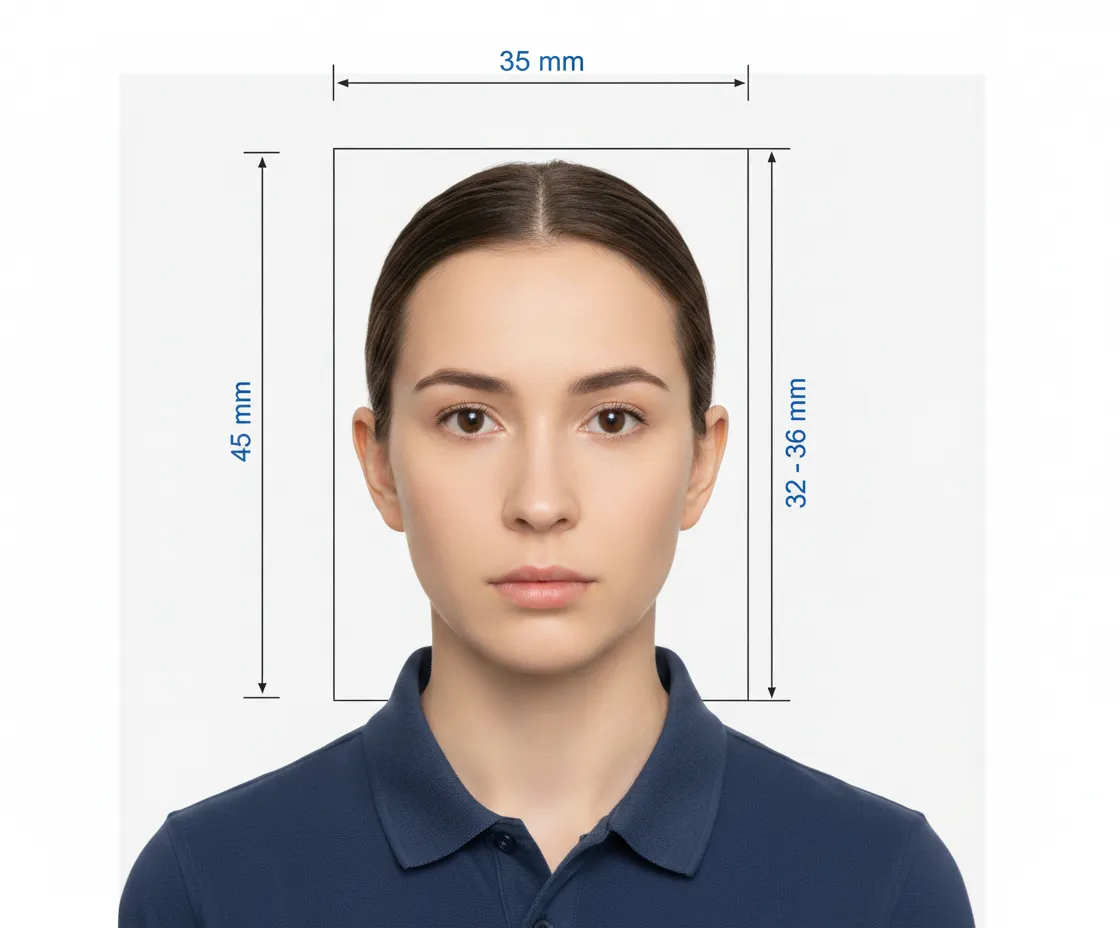
You have filled out your passport details, entered your address in Riyadh, and selected your insurance. Then you hit the "Upload Photo" button, and—Error. "File size too large." "Dimensions invalid." Dealing with picky photo uploads is easily the most frustrating part of the Saudi eVisa application process.
The Saudi portal has very specific, non-negotiable requirements for digital photos that differ from standard passport rules. However, once you know the "Golden Numbers"—specifically the strict file size limit—you can snap, resize, and upload your photo in seconds without any technical headaches.
In this guide, we break down the exact pixel dimensions, the strict 100KB file size limit, rules regarding glasses and head coverings (Hijab/Niqab), and how to take a compliant photo using just your smartphone.
The "Golden Numbers" (Technical Specs)
If you ignore everything else in this guide, memorize these numbers. 90% of upload failures happen because the file is too big or the wrong shape.
-
File Size: 5 KB to 100 KB.
-
The Trap: Most modern smartphones take photos that are 3 MB to 5 MB. This is 30x to 50x larger than the limit. You must compress your photo using an online tool or app before uploading.
-
Dimensions: 200 x 200 Pixels.
-
The Saudi system prefers a Square (1:1) aspect ratio. A standard rectangular passport photo often gets cut off or rejected by the auto-cropper.
-
File Format: .jpg or .jpeg.
-
Do not upload PNG, BMP, or PDF files.
Visual Requirements: The Face & Background
The AI system scans your photo for specific visual markers. If the lighting is bad, it rejects the photo.
-
Background: Pure White.
-
Not cream, not light blue, and not a white door with visible wood grain.
-
Tip: If you don't have a white wall, use a white sheet (ironed) or use a "Background Remover" app to turn the background white digitally.
-
Lighting: Even lighting is key.
-
Avoid "Flash Shadows" behind your head.
-
Ensure there are no shadows cast across your face (often caused by overhead lights). Facing a window during the day is the best lighting source.
-
Expression:
-
Neutral expression.
-
Mouth closed (no teeth showing).
-
Eyes open and looking directly at the camera lens.
-
Centering: Your head should be centered, showing the full face and the top of your shoulders.
Attire & Accessories (Glasses & Headwear)
Since many visitors travel for Umrah, questions about religious attire are common.
Glasses
-
Rule: Glasses are allowed only if the eyes are clearly visible and there is no glare on the lenses.
-
Recommendation: Take them off. Even a tiny reflection from a flash can cause the system to reject the photo. It is safer to submit a photo without glasses.
-
Sunglasses: Strictly prohibited.
Head Coverings (Hijab/Ghutra)
-
Rule: Religious headwear is permitted.
-
Requirement: The full facial features—from the bottom of the chin to the top of the forehead, and both edges of the face—must be clearly visible.
-
Shadows: Ensure the Hijab or Ghutra does not cast a shadow on the face.
Can I Use a Selfie? (The DIY Guide)
Yes, you can use your iPhone or Android camera, but you must follow these rules:
-
Do Not Hold the Phone: Selfies taken by holding the phone usually distort the shoulders and make one arm look huge.
-
Use the Back Camera: The front "Selfie" camera is lower quality. Use the main rear camera.
-
Distance: Stand about 1.5 meters (5 feet) away from the camera.
-
No Filters: Do not use Snapchat, Instagram, or "Beauty" filters. These alter facial geometry and will lead to rejection at the border.
Troubleshooting: "Why Won't It Upload?"
If you see an error message, here is the fix:
-
Error: "File Size Too Large"
-
Fix: Your image is likely over 100KB. Search Google for "Compress JPEG to 50KB" and run your image through a free tool.
-
Error: "Invalid Dimensions"
-
Fix: Your image is likely a rectangle (e.g., 4x6). Open the image in your phone's editor and crop it to a Square.
-
Error: "Face Not Detected"
-
Fix: The background isn't white enough, or the photo is too dark. Retake it in a brighter room against a white wall.
Special Rules for Infants & Children
Every applicant, even a newborn, needs a photo.
-
Infants: Lay the baby on a plain white sheet. Take the photo from directly above.
-
Supports: No hands (parents' hands) should be visible holding the baby.
-
Expression: It is acceptable for infants to have their mouth slightly open or eyes not looking perfectly at the camera, but the face must be clear.
-
Pacifiers/Toys: Must be removed.
FAQ's
Yes. If you have a printed photo from a studio, scan it at high resolution. Crop out the white borders so only the image remains. Check the file size after scanning.
No. The photo must be in color, representing natural skin tones.
Yes. Beards are allowed and do not need to be shaved. Just ensure the background contrasts with the beard so the edge of the face is distinct.